R0.00
You know the moment. A student hands you a test, points at a section, and says “I don’t get this part.” You could write a custom revision sheet from scratch. Or you could spend that time actually talking to them.
Boost Studio is a free desktop tool for Windows that bridges the gap between “I don’t understand” and “oh, that makes sense.” You enter a few details — subject, grade level, curriculum, the specific thing they’re struggling with — and Boost Studio builds a clean prompt you can copy to ChatGPT, Claude, or any other LLM. Paste the AI’s response back in, and you get a formatted revision sheet ready to print or save.
No account. No cloud subscription. No data leaving your machine beyond the prompt you choose to send. Just a lightweight installer and a tool that does one thing well.
It’s free. It’s a .exe setup. And it’s built for South African teachers who don’t have time for bloated software. Download it, try it, and if it saves you thirty minutes once, it’s already worth the zero rands you paid.
Description
I build tools for teachers because I’ve watched good people burn weekends making resources from scratch.
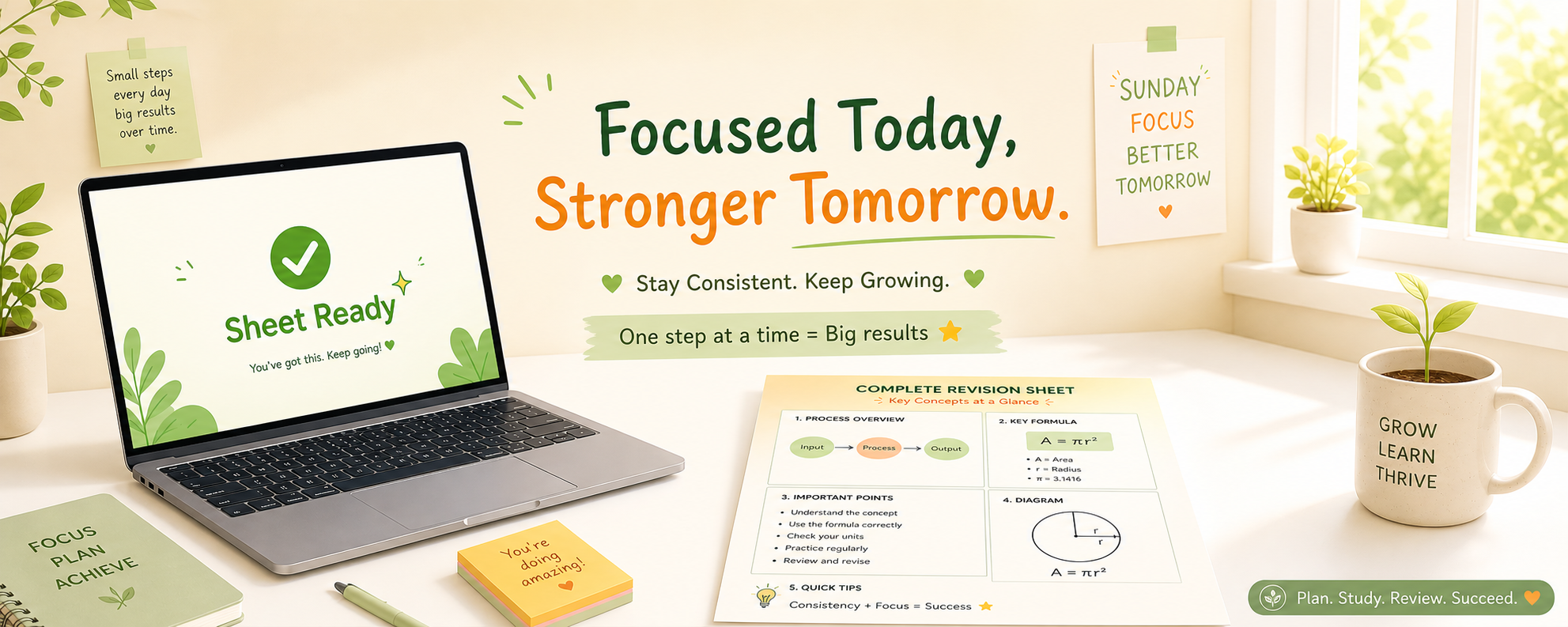
Here’s the scene: a learner is stuck on one thing. Not the whole subject. Just that one concept — say, light reactions in photosynthesis. You could write a custom revision sheet. Two hours later, you’ve got something decent. But you’re tired, and there are thirty other scripts to mark.
That’s why I built Boost Studio.
Boost Studio is a free Windows app that creates custom revision prompts. You fill in the subject, the grade level, the curriculum (CAPS, IB, Cambridge — whatever you’re using), and the specific weak area. Click a button, and it hands you a prompt ready to paste into ChatGPT, Claude, or Gemini.
The AI does the heavy lifting. You paste the response back into Boost Studio. The app parses it into a clean sheet with sections like “What You Need to Know,” “Why It Works,” and “Watch Out For.” Print it. Export it as JSON. Save it to your library. Done.
No account. No monthly fee. No weird cloud syncing. It’s just a .exe you install and run.
Here’s why that matters: you shouldn’t need a computer science degree to use teaching software. You shouldn’t need to watch a fifteen-minute tutorial. And you definitely shouldn’t pay for features you’ll never touch.
Boost Studio does one thing. It does it offline (except for the AI call, obviously). And it respects your time.
The tool is free. Always will be. I’m not selling subscriptions or harvesting data. I’m just a South African developer who thinks teachers deserve better tools.
Download the Windows installer from our site. Try it with one student who’s stuck on one thing. If it works, keep it. If it doesn’t, uninstall it. Nothing lost but five minutes.
And if you have ideas to make it better — I’m listening.