
R0.00
CV Studio is a no-nonsense CV builder for South African teachers, freelancers, and solo workers. It turns your messy Word doc into a clean, professional CV that actually fits on one page. No accounts, no subscription — just a tool that works offline and respects your time.
Description
I built CV Studio because I have seen students struggle with Word for three hours.
They’re young. They have the raw material — a subject they passed, a weekend job, a sports leadership role, maybe a short course. But turning that into a CV that looks professional? That took forever.
The problem isn’t not knowing what to say. The problem is layout. Word processors give you infinite flexibility, which means infinite ways to break things. One wrong click and your margins shift. Copy-paste from a template and suddenly your font size is 72pt. Add a new job and your references vanish to page four. For a student who just needs one clean CV? That’s overwhelming.
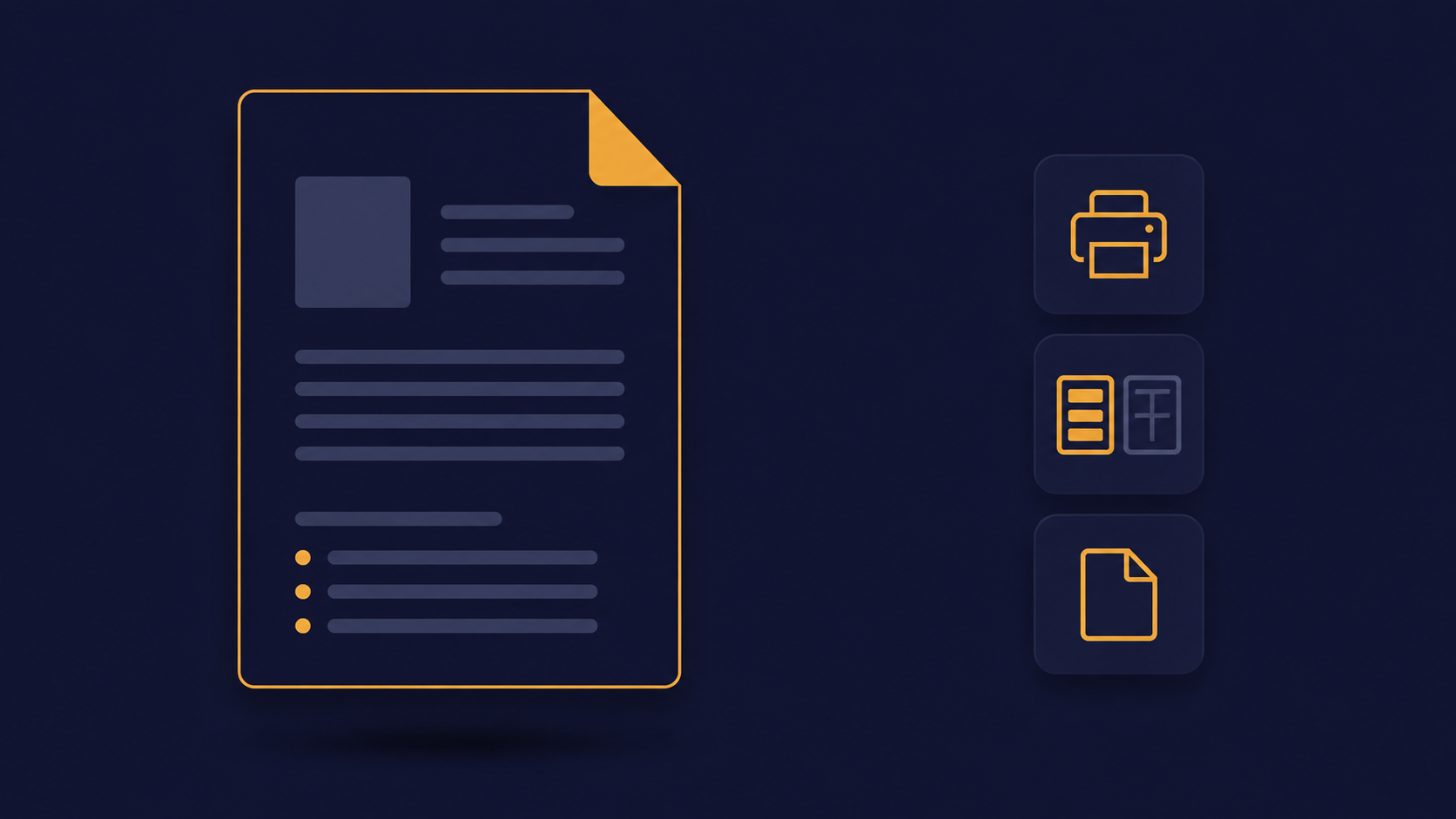
So I built CV Studio. It separates what you say from how it looks.
You help your student type their details into clean form fields. First name, last name, ID number, contact, email. Add their school education — school name, area, year passed, grade achieved, subjects, extra-curriculars. Then any tertiary studies, work experience, hobbies, even attachments like a reference letter they might need later. Each section has add and delete buttons. No confusion.
The preview updates instantly on the right. Your student sees exactly what they’re building, styled like a real printed CV. No surprises.
Three layouts are built in. Standard puts everything top-to-bottom — safe, readable, works for every application. Compact tightens spacing for a one-page CV, perfect for early career. Modern uses a sidebar for personal details and hobbies, leaving the main column for education and work history. Switch between them with a dropdown. No reformatting needed.
When the CV is ready, click Export PDF. The print stylesheet ensures what you see is what gets printed. No weird cut-offs, no missing borders.
Everything saves automatically to your browser’s local storage, or to disk if you’re using the desktop version. Close the app. Come back next week with a different student. Their data is still there.
I’m releasing CV Studio as a Windows installer (one-click setup), a portable EXE (run from a USB stick — great for school computer labs or internet cafés), and a PWA that runs in any browser. All versions work offline. All versions are the same tool.
No accounts. No cloud. No monthly fee. Just a tool that respects your time and your students’ dignity.
If you’re a teacher helping learners apply for their first job, a FET college lecturer running a work readiness programme, or just someone who’s ever sworn at Word’s formatting — give CV Studio a try.
A student’s first CV shouldn’t be hard. It should be done.
Q: Do my students need an internet connection to use CV Studio?
A: No. The Windows and portable versions work entirely offline. The PWA works offline after your first visit. Great for schools with unreliable internet.
Q: Can one computer store CVs for multiple students?
A: Each student would need to clear the form or export their PDF before the next student starts. For a computer lab, the portable EXE version works well — each student can run their own copy from a USB stick.
Q: Does any student data go to a server or cloud?
A: No. Everything stays on that computer or in that browser’s local storage. No accounts, no uploads, no privacy concerns.
Q: Will it run on old school computers with strict IT policies?
A: Yes — use the portable EXE version on a USB stick. No installation, no admin rights required. Works on Windows 7 and up.
Related products
-

The Ultimate Zodiac Compendium (Book)
R500.00 Add to cart -
Sale!
The Field Journal of the Unseen Astrologer
Original price was: R249.00.R50.00Current price is: R50.00. Add to cart -
The Dream Cartographer
R300.00 Add to cart -
Sale!

The Orange Cat Compendium – Your Surrender Guide
Original price was: R300.00.R50.00Current price is: R50.00. Add to cart